Script for Video Calls

Discover how Script for Video Calls helps you read scripts naturally on camera during Zoom meetings, online presentations, and professional recordings.
Keep Eye Contact with Script for Video Calls
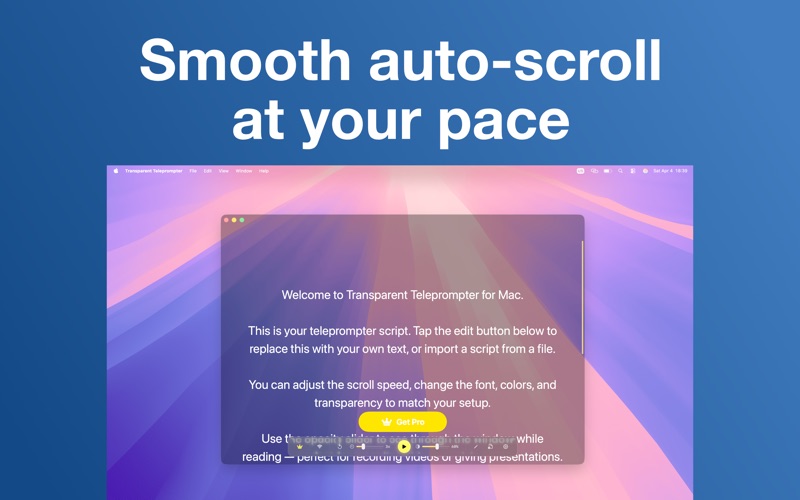
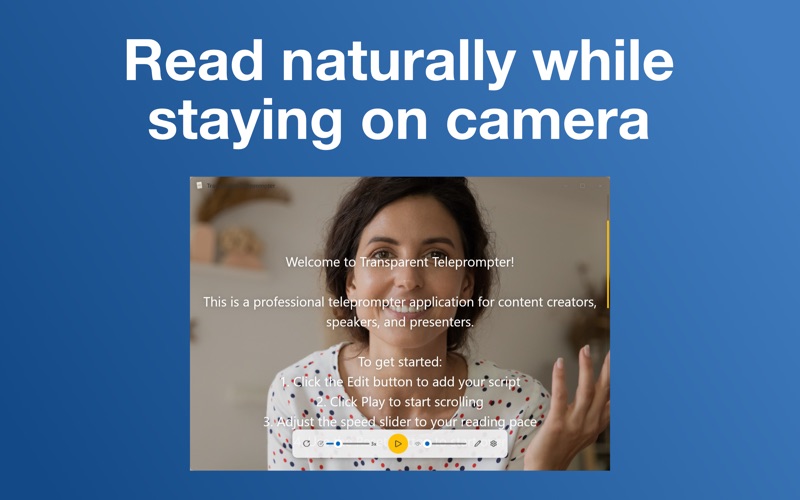
Maintaining direct eye contact during virtual presentations is notoriously difficult, but Script for Video Calls offers an elegant solution for Mac users. By floating a highly customizable, transparent teleprompter overlay directly over your active video conferencing software—such as Zoom, Microsoft Teams, or Google Meet—this native macOS application allows you to read your lines naturally without ever looking away from your camera lens.
Key Features of the On-Camera Teleprompter
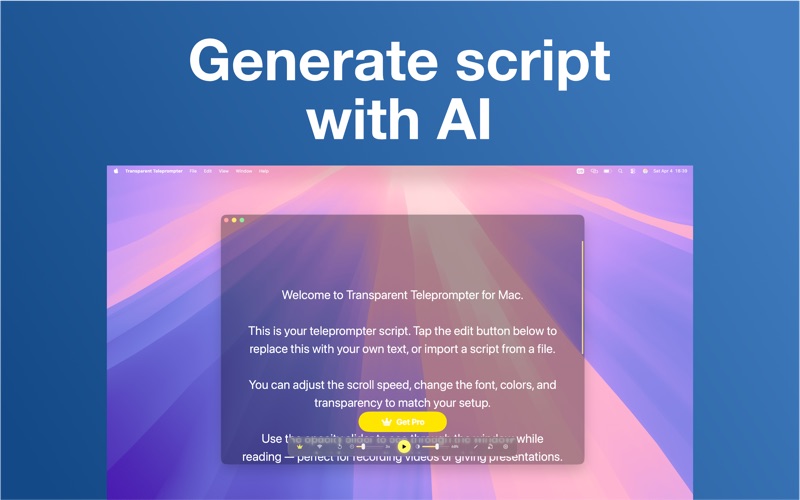
- On-Device AI Script Generation: Leveraging Apple Intelligence, the app can draft a tailored speech or presentation script based on a single-sentence prompt. This process runs entirely locally, ensuring absolute privacy.
- Seamless Transparent Overlay: Adjust the window opacity from 10% to 100% and keep the teleprompter always on top of your presentation or meeting software.
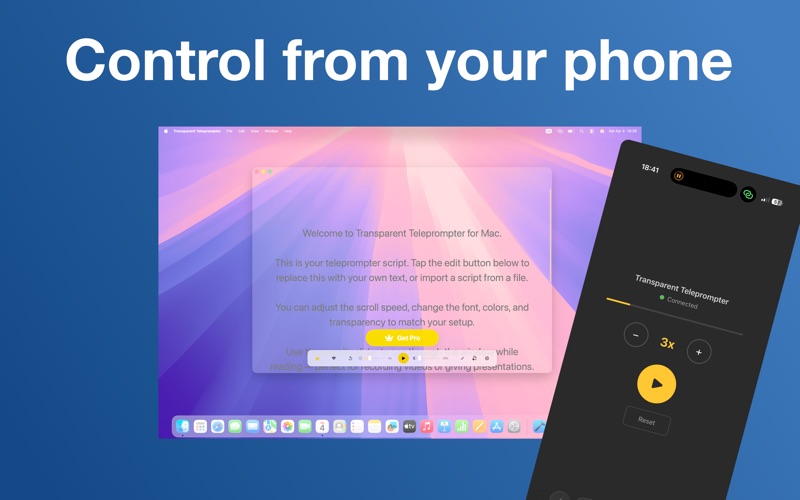
- Fluid Scrolling & Controls: Experience smooth 60 fps scrolling with speeds adjustable from 1x to 10x, easily managed via keyboard shortcuts or a remote interface.
- No-App Remote Control: Simply scan an on-screen QR code with your smartphone to pause, play, or adjust scroll speeds from a distance over Wi-Fi.
- Rich Customization: Tailor your reading experience with 7 background colors, 8 text colors, 7 font families, and adjustable font sizes ranging from 12 to 48 pt.
Who is This macOS Tool For?
Developed by Rozga Wojciech, this utility in the communication category is built specifically for modern professionals. It is an ideal companion for corporate executives delivering keynotes, sales representatives running live software demos, educators hosting online lectures, and content creators recording video for social media platforms. Because it imports standard text formats like .txt, .rtf, and .docx, integrating your existing materials is completely friction-free.
Local AI Privacy and Security
Unlike cloud-based prompter solutions, the artificial intelligence features here run entirely on-device, requiring macOS 26 (Tahoe) or later on an Apple Intelligence-compatible Mac. Your drafts, prompts, and business-sensitive scripts never leave your local hardware, making it a highly secure choice for corporate environments.
Our Editorial Verdict
For anyone looking to elevate their virtual presence and speak with confidence, this application eliminates the awkwardness of glancing at physical notes. You can explore the application further and download it directly from the Official Mac App Store.