
Awesome Screenshot & Recorder

Discover how Awesome Screenshot & Recorder for Mac simplifies screen capture, video recording, and team collaboration in our comprehensive review.
An All-in-One Visual Communication Powerhouse for Mac
In today's fast-paced digital workspace, clear communication is paramount. The Awesome Screenshot & Recorder screen capture tool by Diigo emerges as a highly efficient solution for macOS users who need to capture, annotate, and share visual information instantly. Whether you are documenting a complex workflow, recording a product demo, or collaborating with a remote team, this versatile application eliminates the need for multiple disjointed utilities by combining robust image and video tools into a single, streamlined interface.
Who Benefits Most from This Tool?
This utility is exceptionally well-suited for professionals across various sectors:
- Educators and Creators: Easily build comprehensive online courses, record presentations with webcam overlays, or produce step-by-step instructional guides.
- Product and QA Teams: Document software bugs with precise annotations, record user flows, and share clear visual feedback with developers.
- Remote Teams: Enhance asynchronous collaboration by sharing instantly accessible cloud links, leaving targeted comments, and tagging teammates directly.
Key Features of the Awesome Screenshot & Recorder Screen Capture Tool
The application is structured around several core functionalities designed to optimize your visual workflow:
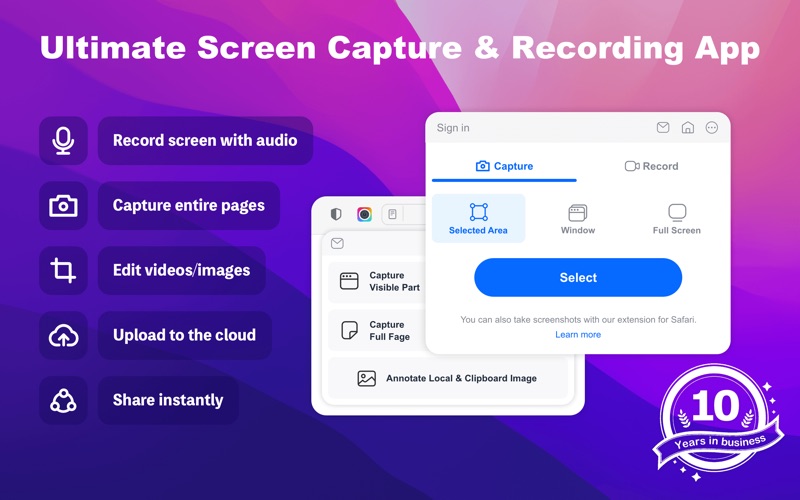
- Advanced Screen Capture: Take full-page screenshots in Safari, select specific windows, or grab custom regions. You can save your captures locally in PNG, JPG, or PDF formats.
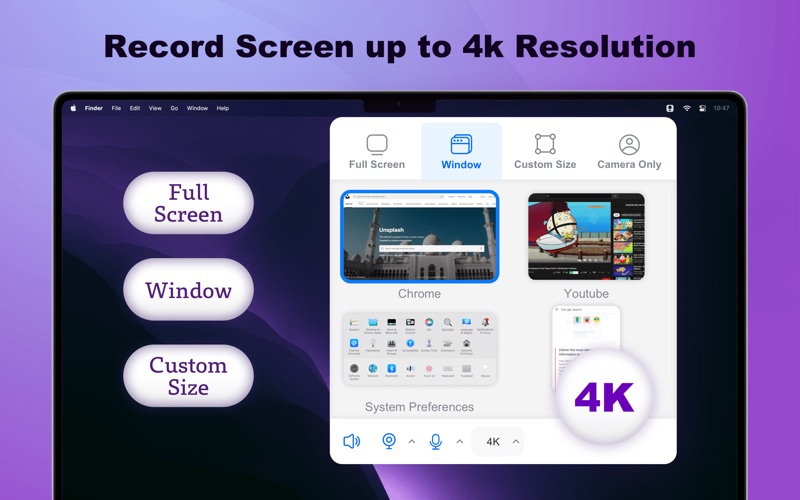
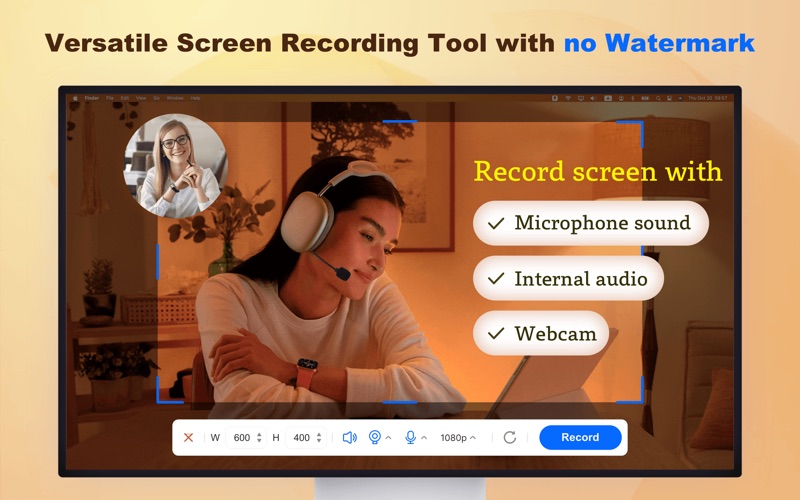
- Professional Screen Recording: Record your screen, system audio, microphone, and webcam either individually or simultaneously. The app supports resolutions up to 4K without watermarks or recording limits.
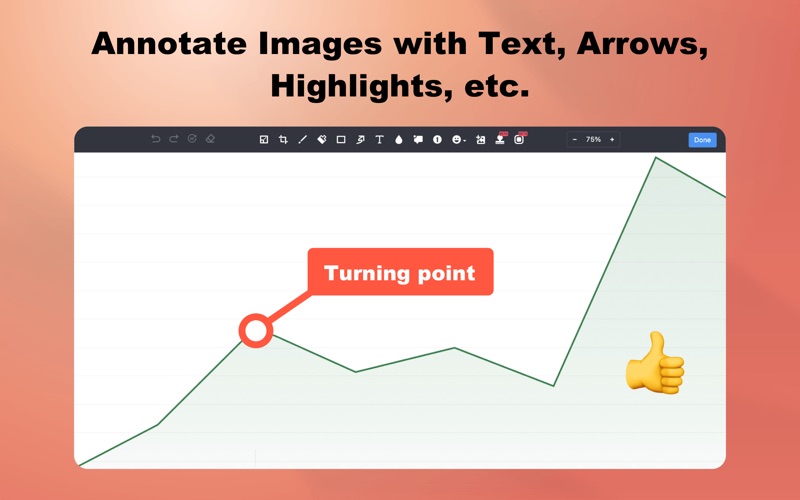
- Intuitive Video and Image Editing: Trim recordings, add text overlays, blur sensitive data, or insert arrows and shapes to highlight key points. You can also enrich images with callouts, numbered steps, and custom watermarks.
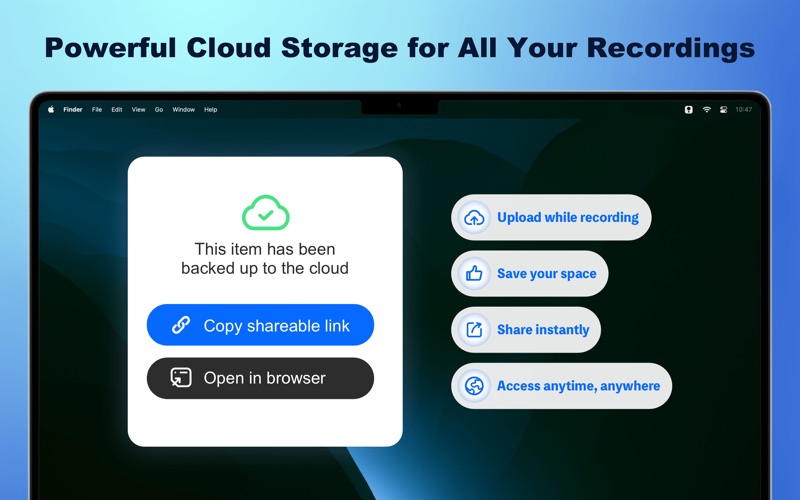
- Cloud Storage and Team Collaboration: Free up local disk space by saving your media directly to the cloud. Organize your files in one place, generate instant shareable links, and collaborate through active comment threads using @mentions.
Streamlining Everyday Workflows
By integrating recording, editing, and cloud hosting into one ecosystem, the Awesome Screenshot & Recorder screen capture tool significantly reduces the friction of sharing information. Instead of saving a file, opening an external editor, exporting, and uploading it to a third-party host, you can complete the entire process in seconds. This speed and simplicity make it an essential asset for modern, collaborative work environments.
Get the App Today
If you are looking to elevate your productivity and streamline how you share visual content on Mac, this tool is an excellent choice. To try it out and integrate it into your daily setup, visit the official Apple App Store to download the application directly to your device.