

Microsoft Outlook



Read our comprehensive review of Microsoft Outlook for Mac to see how this powerful email client transforms productivity, scheduling, and inbox management.
A Desktop Hub Reimagined for macOS
Managing multiple inboxes, coordinate schedules, and keeping track of professional contacts can easily become overwhelming. The Microsoft Outlook email client for Mac addresses this challenge by delivering a native, highly polished environment designed specifically for macOS. Rather than offering a simple port of its Windows counterpart, Microsoft has rebuilt this version from the ground up to ensure it feels fluid, fast, and deeply integrated with Apple hardware.
Whether you are coordinating corporate projects or keeping your personal life organized, the Microsoft Outlook email client provides a unified workspace. It brings together your emails, calendar events, and contacts without forcing you to jump between different applications or browser tabs.
Key Features of the Microsoft Outlook Email Client
- Native macOS Performance: Fully optimized for Apple Silicon, the application delivers rapid loading speeds, smooth scrolling, and highly efficient account synchronization.
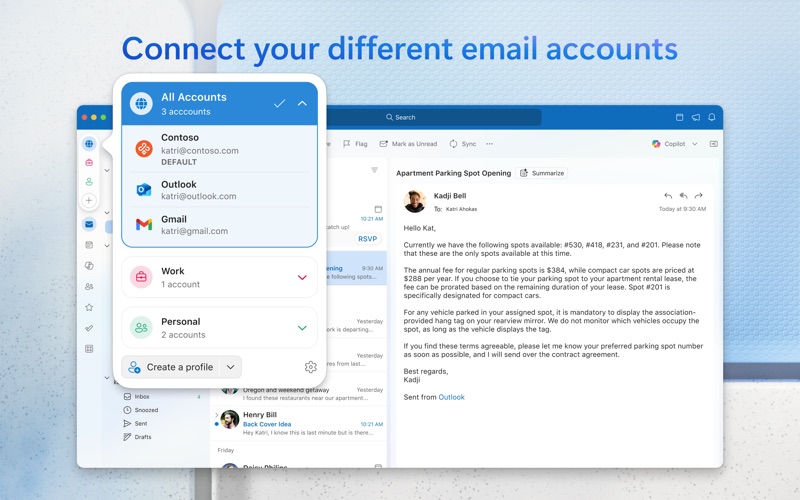
- Multi-Account Integration: Connect Microsoft 365, Outlook.com, Hotmail, Gmail, Yahoo! Mail, iCloud, IMAP, and POP accounts under one unified interface.
- Customizable Workflow: Tailor your workspace with adjustable swipe gestures, email pinning, hover actions, custom themes, and variable display density.
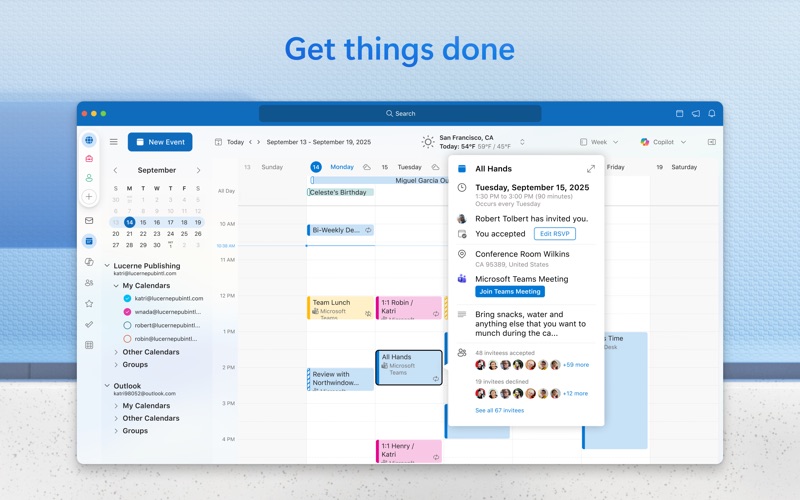
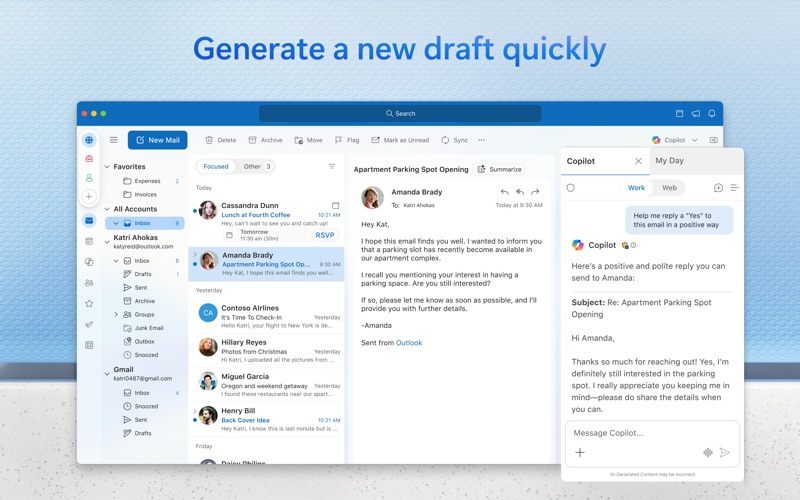
- Integrated Scheduling: Use the built-in calendar to plan meetings, track RSVPs, and share your availability. The "My Day" pane displays your agenda alongside your inbox for seamless planning.
- Robust Security: Protect sensitive corporate and personal information utilizing built-in Microsoft Information Protection.
Who Is This Email Client For?
The Microsoft Outlook email client is an excellent fit for professionals, freelancers, and students who demand more than basic webmail capabilities. If you manage multiple email addresses across different providers, the unified inbox saves valuable time. Mac users who appreciate native design patterns will find the interface matches the clean aesthetic of their operating system while providing deep customization options for advanced workflows.
Verdict: A Premium Hub for Daily Communication
Microsoft has successfully modernised its classic email software into a highly responsive, feature-rich desktop tool for macOS. By combining elite scheduling features with customizable inbox management, it serves as a complete productivity station. To experience this streamlined workflow yourself, visit the Mac App Store to download the official version of the Microsoft Outlook email client.