
Microsoft Edge
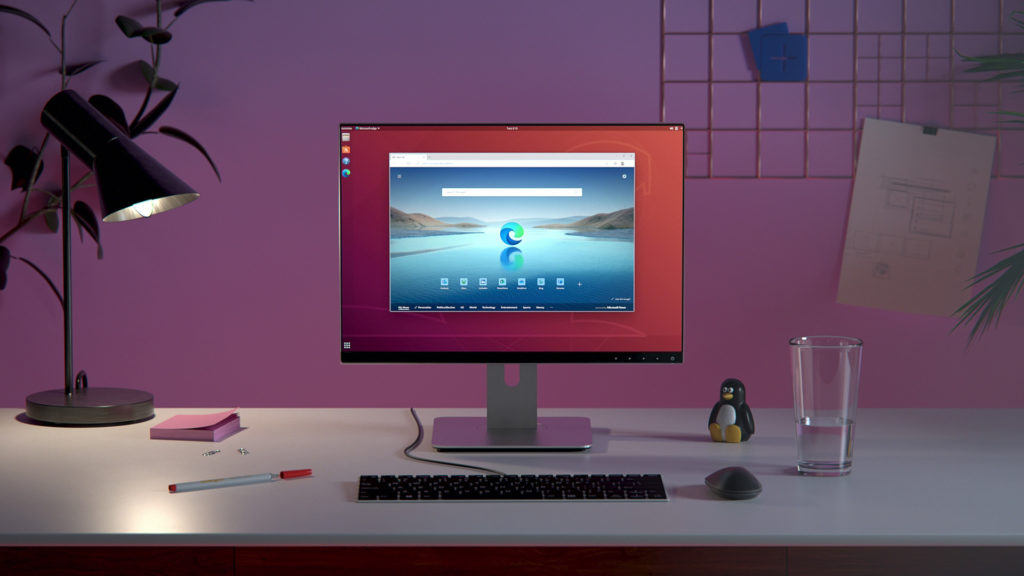
Discover how the Microsoft Edge web browser delivers advanced privacy, seamless cross-device syncing, and optimized performance for Linux users.
The Evolution of the Microsoft Edge Web Browser
The Microsoft Edge web browser has redefined what modern users expect from their internet navigation tools. Designed by Microsoft Corporation, this browser brings a highly optimized, feature-rich environment to the Linux platform. It bridges the gap between desktop and mobile environments, offering a cohesive digital space for professionals and casual users alike who require speed, security, and flexibility in their daily workflows.
Key Features of the Microsoft Edge Web Browser
- Seamless Cross-Device Synchronization: Sign in to sync your history, favorites, passwords, and open tabs across your phone, computer, and other connected devices.
- Robust Privacy Controls: Take charge of your digital footprint with built-in tracking prevention and secure InPrivate browsing modes.
- Ad-Blocking Capabilities: Enjoy a cleaner, faster web experience using integrated AdBlock Plus features.
- InPrivate Search: Execute confidential queries securely using built-in InPrivate search powered by Microsoft Bing.
- Clutter-Free Organization: Utilize advanced content management tools designed to help you organize web pages, research, and daily reading material on the go.
Who Benefits Most from Microsoft Edge?
The Microsoft Edge web browser is an exceptional choice for users who demand seamless continuity between different operating systems. If you find yourself switching between a Linux workstation and a mobile device throughout the day, the synchronized ecosystem saves valuable time. Additionally, privacy-conscious individuals will appreciate the granular control over tracking scripts and intrusive advertisements, making it a highly secure portal for sensitive online tasks.
World-Class Performance and Compatibility
Built for the modern web, this browser offers stellar compatibility with current web standards and web-based applications. By combining industry-leading speed with reduced resource consumption, it ensures that your system resources are used efficiently, even when managing multiple demanding tabs and productivity suites simultaneously.
Get Started Today
If you are ready to elevate your browsing standards with enhanced control, superior privacy, and unmatched organization tools, this application is highly recommended. To explore its features firsthand, visit the official Flathub store page to learn more and install the browser on your Linux system.