Next-Player
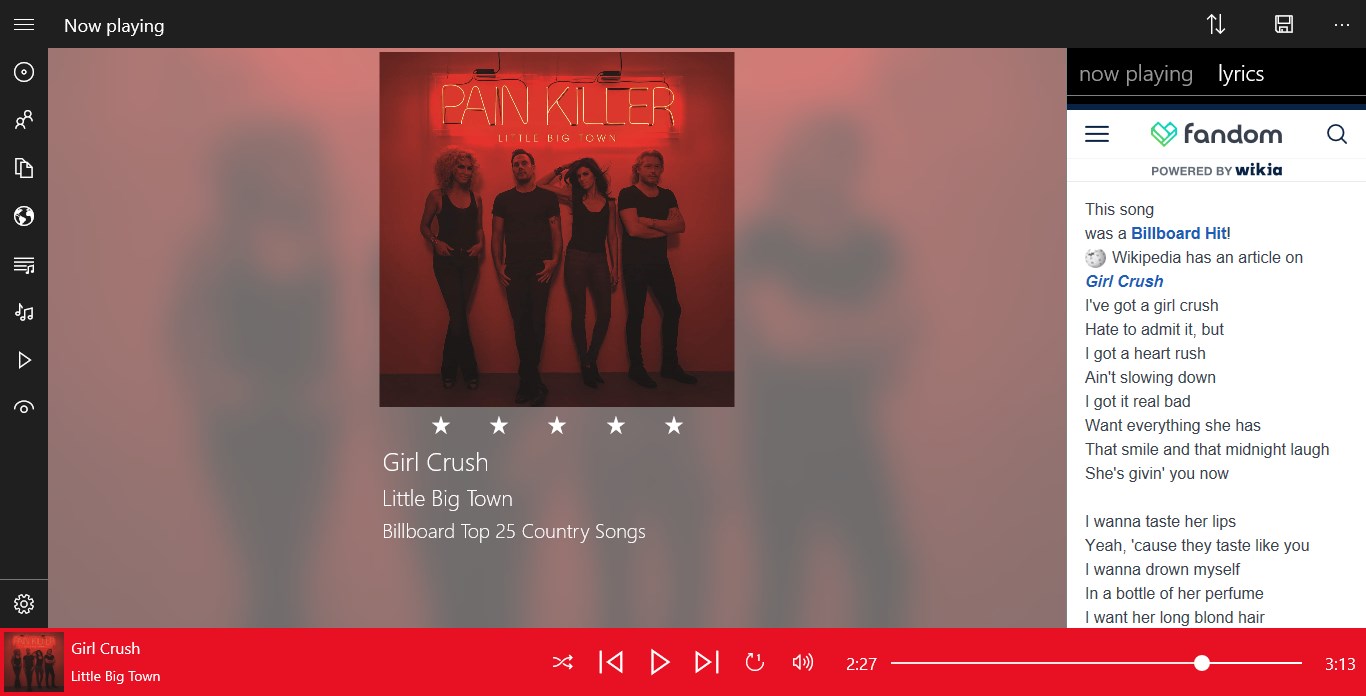
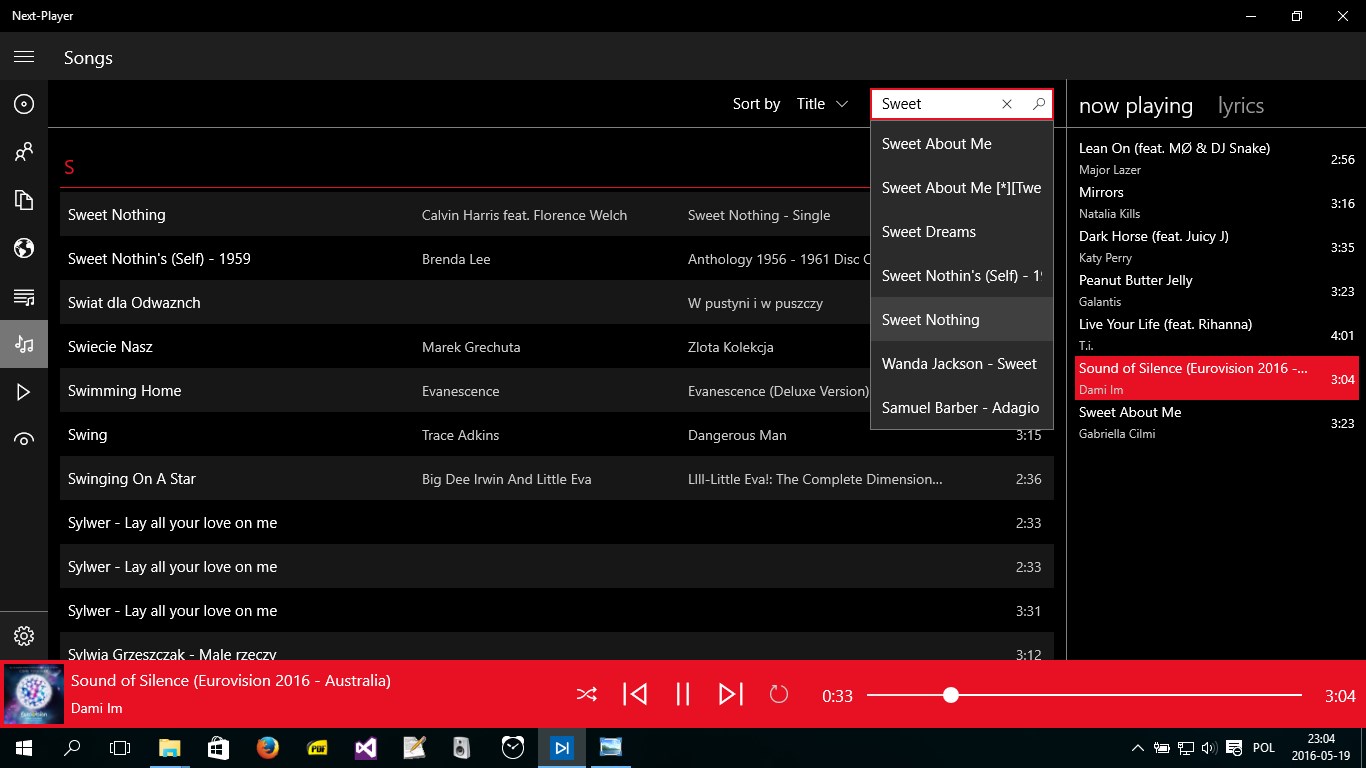
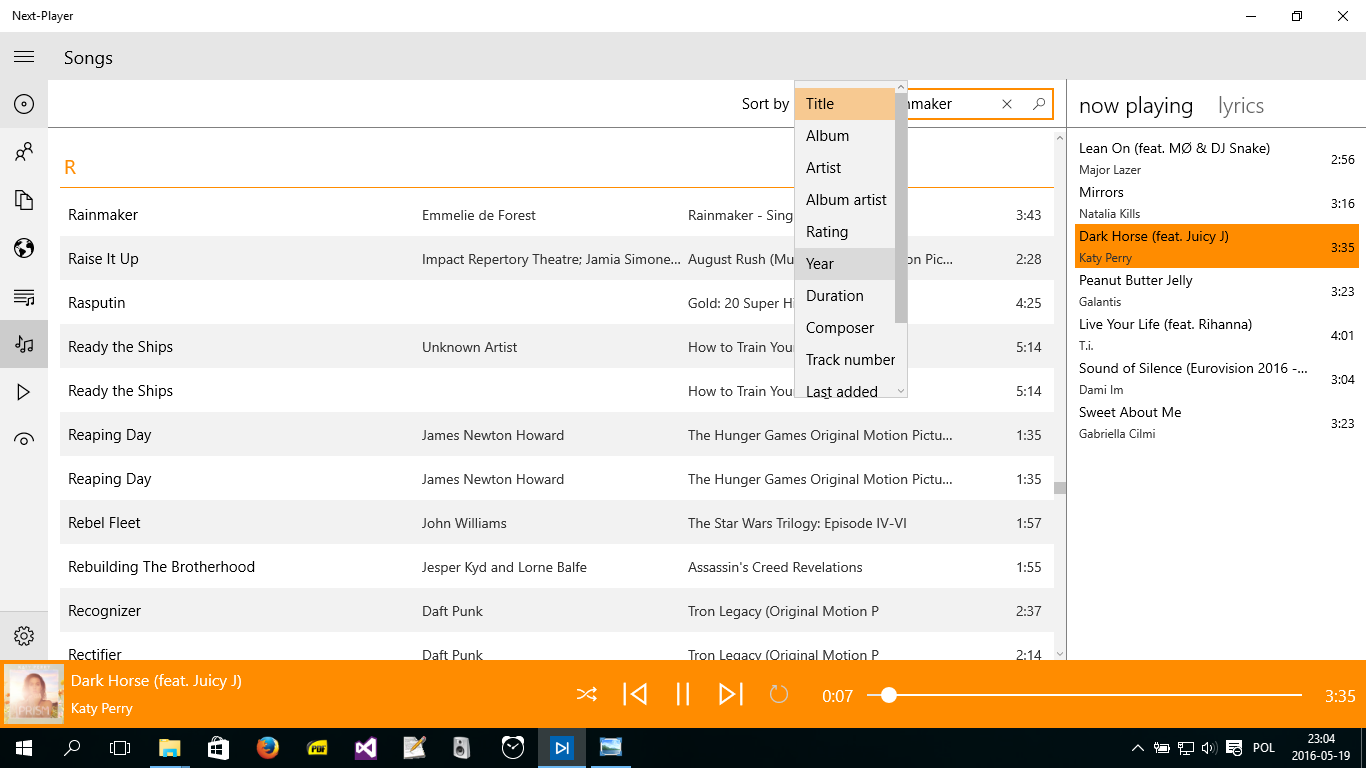
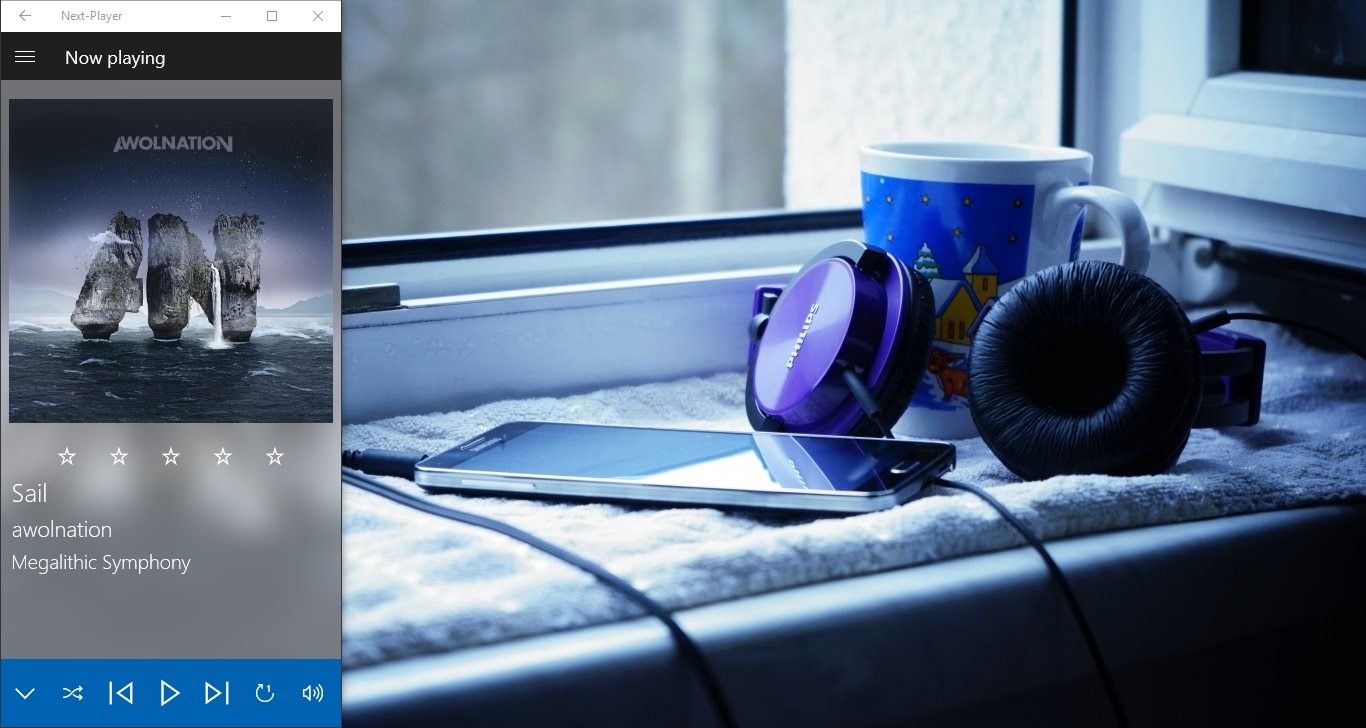
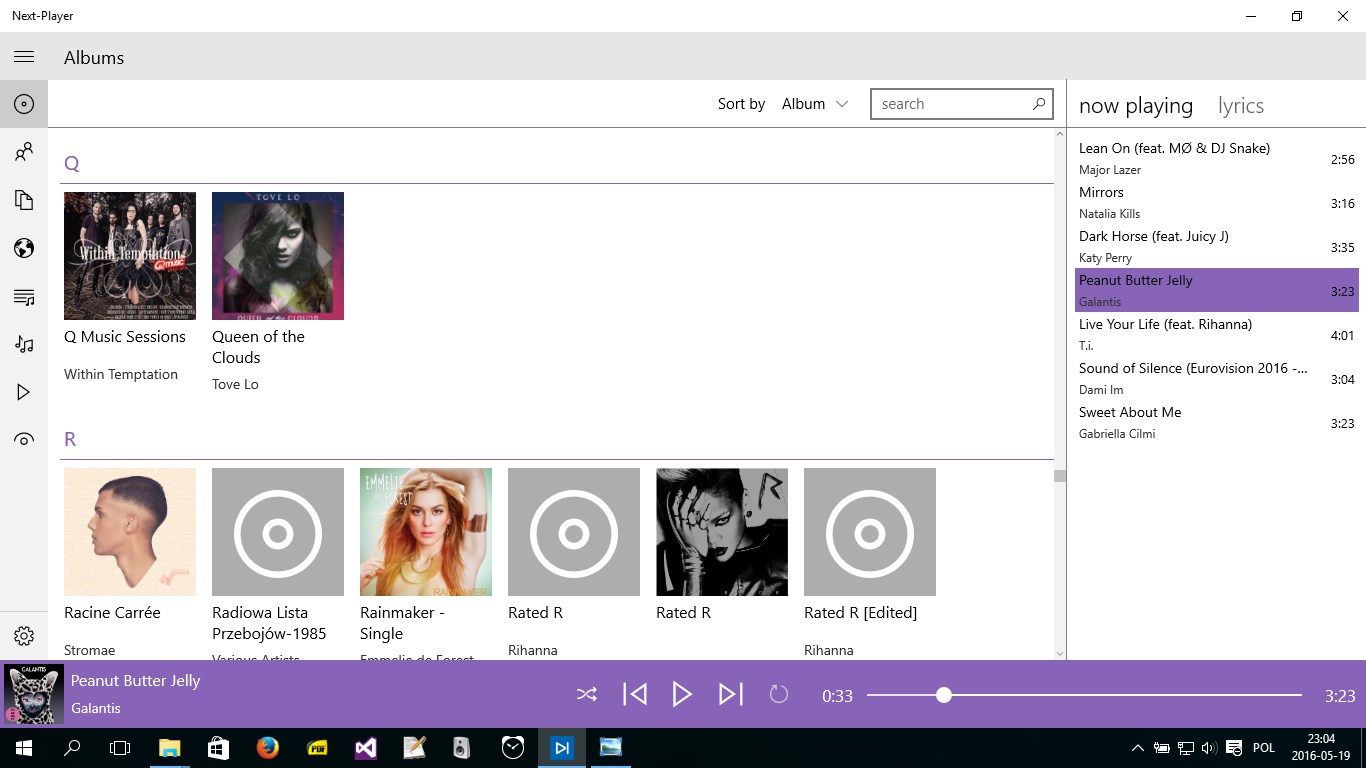
Discover Next-Player, a versatile audio application for Windows. Stream from cloud storage, play local files, and enjoy custom playlists seamlessly.
The Modern Solution for Fragmented Music Libraries
Managing a personal music collection in the streaming era can be surprisingly frustrating. Many of us have audio files scattered across local hard drives, archived on cloud storage accounts, or tucked away in custom folders. Switching between different apps just to listen to your favorite tracks disrupts the experience. The Next-Player Windows music player by DryForest solves this exact problem, offering a unified, lightweight hub for all your offline and cloud-based audio files.
Stream Seamlessly from the Cloud or Local Folders
What makes this application stand out is its native integration with popular cloud services. Instead of downloading gigabytes of files to your local machine, you can connect the player directly to your OneDrive, Dropbox, or pCloud accounts. The Next-Player Windows music player streams your files directly from the cloud, saving local storage space while maintaining a highly responsive playback experience. It also supports internet radio stream playback for when you want to discover something new.
Advanced Playback Control and Smart Playlists
The application is designed for users who want total authority over how they listen to their music. Key features include:
- Flexible Queue Management: Easily rearrange, add, or remove tracks using simple drag-and-drop actions.
- Smart Playlist Generation: Create dynamic playlists based on specific track attributes, or rely on built-in categories like Last Added, Highest Rating, and Most Often Played.
- Playlist Portability: Import and export your existing playlists in standard formats including m3u, pls, wpl, and zpl.
- Precise Audio Adjustments: Fine-tune your listening sessions with adjustable playback rates and audio balance.
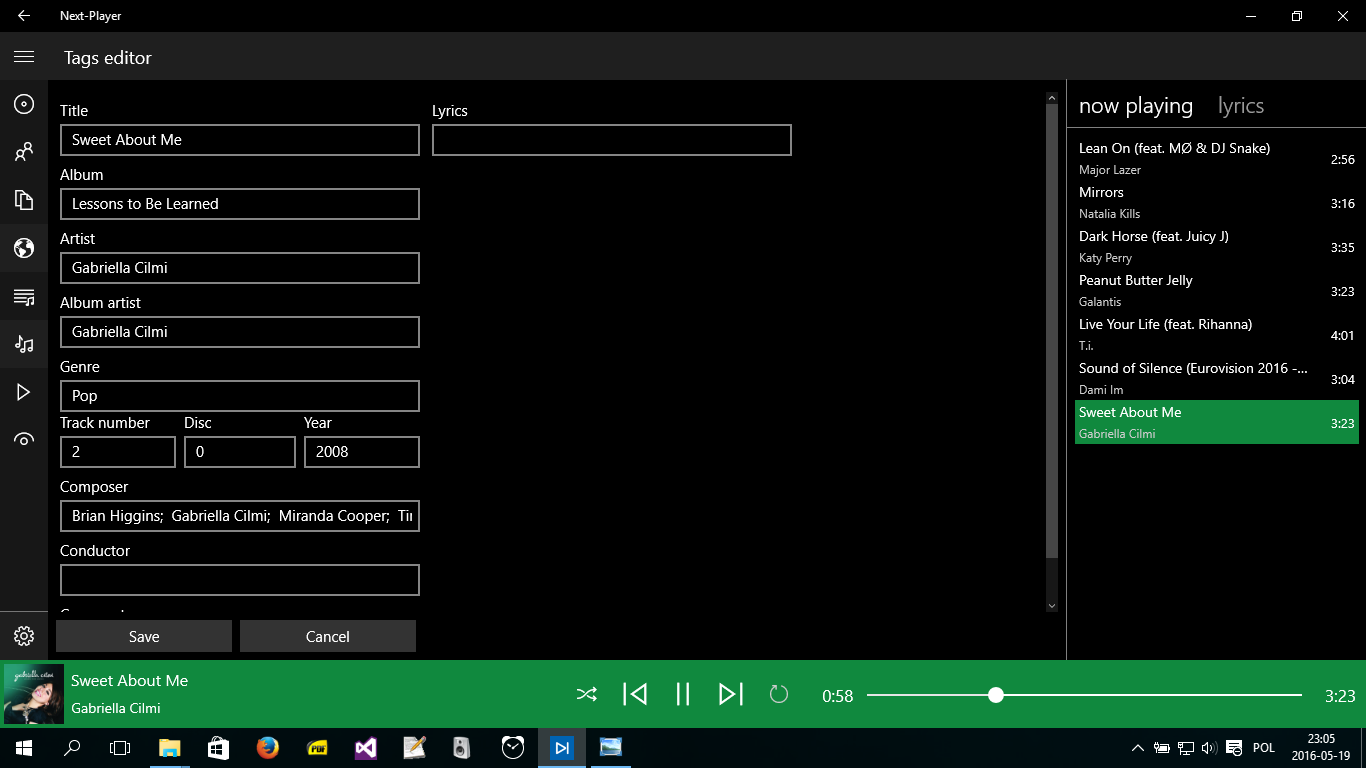
- Metadata Editing: Edit tag information directly within the app to keep your library organized.
Lightweight Performance with Pro-Grade Tools
Despite its rich feature set, the application maintains an incredibly small footprint of just 14MB. It runs efficiently on Windows without bogging down system resources. Power users will appreciate the integrated Last.fm scrobbler, keyboard shortcuts for quick navigation, and a convenient sleep timer for nighttime listening.
Is Next-Player Right for You?
If you are looking to consolidate your local MP3s, cloud storage audio, and internet radio stations into a single, highly customizable interface, this utility is an exceptional choice. It bypasses the bloat of modern subscription-based players to put your personal library first. To experience this streamlined audio manager firsthand, head over to the official Microsoft Store to view the application details and add it to your Windows setup.